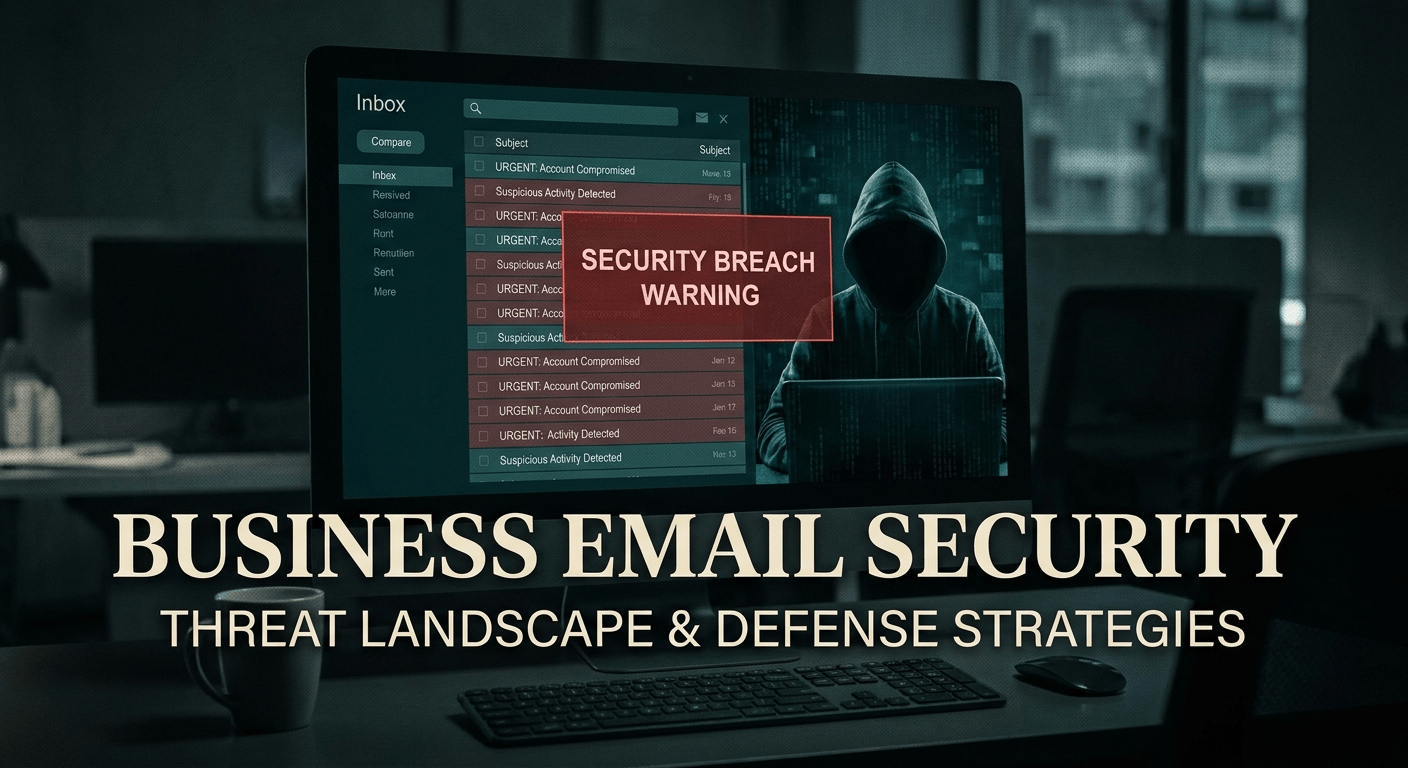
If you suspect your business email has been compromised, you need to act now. Business email compromise (BEC) is one of the most damaging cyber threats facing Australian businesses today, and it often goes undetected for weeks. This guide walks you through exactly how to check your account for signs of unauthorised access and what to do if you find them.
What Is Business Email Compromise and Why Does It Matter?
Business email compromise happens when an attacker gains access to your email account without your knowledge. They can read your emails, intercept supplier invoices, redirect payments, or impersonate you to clients and staff. The Australian Cyber Security Centre (ACSC) consistently lists BEC as one of the top threats to Australian businesses, with losses often reaching tens of thousands of dollars per incident.
The reason it is so damaging is that attackers usually stay quiet. They are not there to crash your systems. They are watching and waiting for a financial opportunity or a way to cause maximum disruption.
Warning Signs Your Email Account Has Been Compromised
Before you dive into the checks, look out for these red flags:
- Colleagues or clients report receiving strange emails from your address that you did not send
- You receive password reset or login notification emails you did not request
- Emails are missing from your sent folder or inbox
- You notice unfamiliar forwarding rules or filters in your account settings
- Your account gets locked out unexpectedly
- Contacts receive phishing emails that appear to come from you
If any of these sound familiar, work through the checks below straight away.
Step 1: Check Have I Been Pwned
The quickest first step is to visit haveibeenpwned.com. This free tool checks whether your email address has appeared in a known data breach.
- Go to haveibeenpwned.com
- Enter your business email address in the search field
- Click pwned? to run the check
- Review any breaches listed and note the date and type of data exposed
If your email appears in a breach, you should change your password immediately and enable multi-factor authentication if you have not already done so. A breach listing does not always mean your account is actively compromised, but it means your credentials may be circulating on the dark web.
Step 2: Check for Suspicious Inbox Rules in Outlook
One of the first things attackers do after gaining access is set up inbox rules that operate silently in the background. These rules can auto-forward your emails to an external address or automatically delete incoming messages so you never see them.
To check your inbox rules in Outlook on the web:
- Log in to outlook.office.com
- Click the Settings gear icon in the top right
- Go to Mail then Rules
- Review every rule listed. Look for anything forwarding to an unknown address or deleting messages automatically
- Delete any rules you did not create
Also check your Forwarding settings under Mail settings to ensure your email is not being forwarded to an external account without your knowledge.
Step 3: Review Microsoft 365 Sign-In Logs
Microsoft 365 records every login to your account. If someone has accessed your email from an unfamiliar location or device, it will show up here.
- Go to myaccount.microsoft.com and sign in
- Click on Security info then Recent activity
- Look for sign-ins from countries or cities you have not been to
- Check for logins at unusual times, such as 3am local time
- Note any unfamiliar device types or browsers
If your organisation uses Microsoft 365 Business or Enterprise, your IT administrator can also access more detailed sign-in logs through the Microsoft Entra admin centre. These logs show every authentication attempt across your entire organisation.
Step 4: Check for Unfamiliar Apps and Devices
Attackers sometimes connect third-party apps to your Microsoft 365 account to maintain access even after a password change. They can also leave devices signed in.
To check connected apps and devices:
- Visit myaccount.microsoft.com
- Go to Devices to review all signed-in devices. Remove anything unfamiliar
- Go to App permissions to see which third-party applications have access to your account
- Revoke access for any app you do not recognise or no longer use
What to Do Immediately If You Think You Are Compromised
If any of the above checks raise concerns, take these steps without delay:
- Change your password immediately to something strong and unique
- Enable multi-factor authentication (MFA) if it is not already active
- Delete suspicious inbox rules and disable unauthorised app access
- Notify your IT provider or internal IT team so they can run a full investigation
- Alert your contacts if there is any chance phishing emails were sent from your account
- Report the incident to the ACSC at cyber.gov.au/report
- Check your financial accounts for any unusual transactions or redirected payments
How Microsoft Copilot Can Help
If you need to notify clients or contacts that your account may have been compromised, Microsoft Copilot can help you draft a clear and professional message. Simply open Copilot in Microsoft 365 and prompt it with something like: “Draft a brief email notifying my contacts that my business email may have been temporarily compromised and that they should disregard any unusual messages received between [date range].” Copilot will produce a clean draft you can review and personalise before sending.
How to Prevent Business Email Compromise
Prevention is far less painful than recovery. These steps significantly reduce your risk:
- Enable MFA on every business account without exception. This is the single most effective control against account takeover
- Use a password manager to create and store unique passwords for every service
- Run regular access reviews to check who has access to shared mailboxes and which apps are connected to your accounts
- Train your team to recognise phishing emails, which are the most common way attackers gain initial access
- Work with a managed security provider to monitor your environment continuously rather than relying on periodic manual checks
For businesses in Australia looking for ongoing protection, our managed cyber security services include email security monitoring, threat detection, and rapid incident response. We work with professional services firms across Australia to keep email accounts and sensitive data secure.
Not sure if your business email is secure? Book a free 15-minute security conversation with our team. We can run a quick check on your Microsoft 365 environment and give you an honest assessment of your risk.
Frequently Asked Questions
How do I know if my business email has been hacked?
Common signs include emails sent from your account that you did not write, unexpected password reset requests, missing emails, and contacts reporting strange messages from your address. Use the steps above to check your sign-in history, inbox rules, and connected devices for confirmation.
Is Have I Been Pwned safe to use?
Yes. Have I Been Pwned is a trusted, free service run by security researcher Troy Hunt. Entering your email address into the tool is safe and does not expose your account to any additional risk. It only checks whether your address appears in known public breach databases.
What is the most common way business email accounts get compromised?
Phishing is the most common entry point. An employee receives a convincing fake email, clicks a link, and enters their credentials on a fraudulent login page. Attackers then use those credentials to access the real account. Enabling MFA stops most of these attacks even when credentials are stolen.
Should I report a business email compromise to anyone?
Yes. You should report it to the Australian Cyber Security Centre at cyber.gov.au/report. If financial fraud occurred, you should also report it to the Australian Federal Police and your bank. Your IT provider should be notified immediately to assist with containment and investigation.
How long does it take attackers to do damage after gaining access?
In some cases, attackers move within hours. In others, they may monitor an inbox for weeks before acting, often waiting for a large financial transaction to intercept. This is why early detection matters and why continuous monitoring is more effective than manual periodic checks.
managed it support articles
Related Blog Articles
Discover more insights to optimise your business with the latest IT trends and best practices. Stay ahead of the curve by learning how to leverage cutting-edge technology for success. Explore expert advice and valuable guidance to navigate the evolving world of IT solutions