Not all MFA is equal. If your business relies on SMS codes or push notification approvals to protect Microsoft 365, you may be more exposed than you think. FIDO2 hardware security keys are the only form of MFA that cannot be defeated by phishing, and Australian businesses operating under the Essential Eight framework need to understand why that distinction matters.
This post explains what FIDO2 is, why traditional MFA falls short, and what your business should be doing about it in 2026.
Why Is Traditional MFA No Longer Enough?
Traditional MFA methods, including SMS codes and Authenticator app push approvals, can be intercepted by sophisticated phishing attacks. A single successful attack can hand attackers full access to your Microsoft 365 environment, even when MFA is switched on.
The threat is called adversary-in-the-middle (AiTM) phishing. In an AiTM attack, a criminal sets up a fake login page that acts as a transparent proxy between your employee and the real Microsoft sign-in portal. When the employee enters their credentials and approves the MFA prompt, the attacker captures the resulting session token in real time. Microsoft has already authenticated the session. The attacker now holds a valid, active token and your MFA did nothing to stop it.
A second, related threat is MFA fatigue. Attackers repeatedly send push notifications to a user’s phone, sometimes dozens of times at odd hours, hoping the user will eventually approve one just to make it stop. This requires no technical sophistication whatsoever, and it works.
What Does This Mean for Your Business?
If your organisation is protecting administrator accounts or sensitive data with SMS codes or basic push approvals, those controls will not hold up against a determined attacker using modern tools. The phishing kits that power AiTM attacks are widely available, inexpensive, and require minimal skill to deploy.
This is not a theoretical risk. Credential theft via phishing is consistently one of the top initial access vectors in Australian cyber incidents. Otto IT has seen firsthand how quickly a compromised admin account can result in data exfiltration, ransomware deployment, or complete tenant lockout.
What Is FIDO2 and How Does It Work?
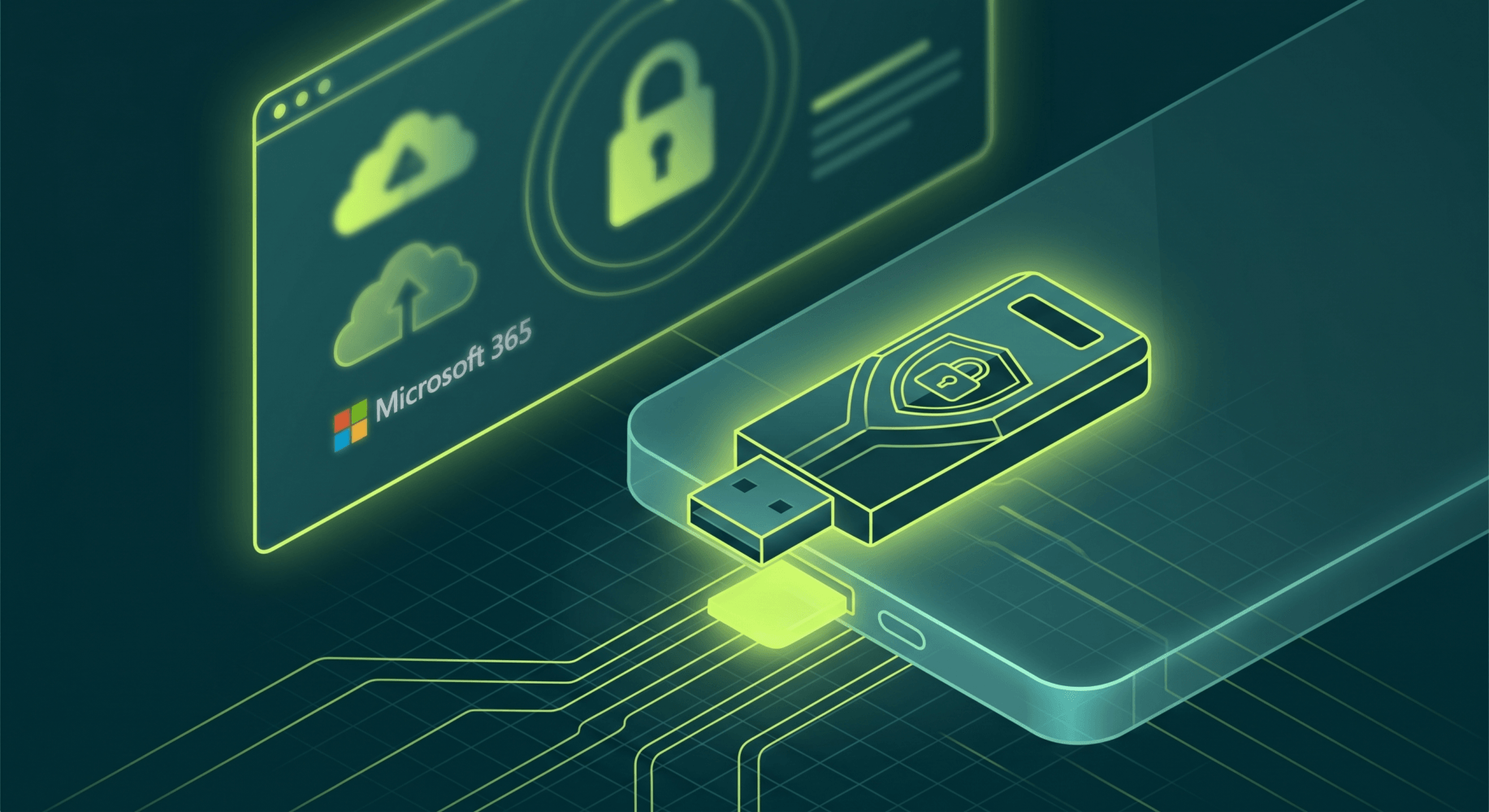
FIDO2 is an open authentication standard that uses public key cryptography to prove your identity to a website or service. A FIDO2 security key is a physical hardware device, typically a small USB token, that generates and stores a cryptographic key pair unique to each website you register with.
The critical property that makes FIDO2 phishing-resistant is called origin binding. When you register a FIDO2 key with Microsoft 365, the key records the exact domain of the service, such as login.microsoftonline.com. When you sign in, the key will only respond to a challenge from that exact domain. A fake phishing page on a different domain receives nothing. There is no credential to intercept, forward, or replay.
This is fundamentally different from SMS codes or Authenticator push approvals, both of which produce a one-time value that can be captured and replayed by an attacker. FIDO2 produces a cryptographic signature that is bound to the legitimate origin and cannot be reused.
What Hardware Does FIDO2 Use?
The most common FIDO2 security keys in enterprise use are:
- YubiKey (Yubico) — available in USB-A, USB-C, and NFC variants
- Token2 — a Swiss-made alternative suitable for Australian deployments
Both are small, durable, and require physical presence to authenticate. You cannot steal a FIDO2 credential over a network because the key never leaves the device.
How Does Enrolment Work?
FIDO2 enrolment in Microsoft 365 uses a feature called a Temporary Access Pass (TAP). The process works like this:
- An administrator generates a TAP for the user, which is a time-limited, single-use code
- The user signs in with the TAP and is prompted to register their FIDO2 key
- The key generates a key pair and registers the public key with Microsoft Entra ID
- From that point forward, the user signs in by inserting the key and touching it when prompted
Once enrolled, signing in takes seconds and requires no codes to type or push notifications to approve.
Who Needs Phishing-Resistant MFA?
Any account with elevated privileges in Microsoft 365 should be protected with phishing-resistant MFA. Otto IT recommends that every organisation with a Microsoft 365 subscription treat this as a baseline control for administrator accounts, not a premium option.
The accounts that carry the highest risk include:
- Global Administrators — full control over the entire Microsoft 365 tenant
- Exchange Administrators — access to all mailboxes and email flow
- SharePoint and OneDrive Administrators — access to all files and documents
- Security and Compliance Administrators — access to audit logs, DLP policies, and sensitive reports
- Billing Administrators — ability to modify subscriptions and payment methods
Standard user accounts benefit from phishing-resistant MFA too, but the risk calculus is most acute for privileged roles. A compromised global admin account can disable all security controls, create backdoor accounts, exfiltrate data at scale, and lock out the legitimate IT team.
What Changed in February 2026?
On 9 February 2026, Microsoft began enforcing MFA on all Microsoft 365 admin centre sign-ins. This is no longer optional. If your organisation has not yet complied with this requirement, you are locked out of administrative functions until you do.
However, Microsoft’s mandatory baseline allows SMS codes and push approvals to satisfy the requirement. Meeting the mandatory minimum is not the same as being adequately protected. The mandatory requirement ensures MFA is on. It does not ensure your MFA is phishing-resistant.
How Does FIDO2 Align With the Essential Eight?
The Essential Eight is the Australian Signals Directorate’s baseline cybersecurity framework for Australian organisations. MFA is one of the eight mitigation strategies, and the framework defines maturity levels that correspond to increasing levels of assurance.
FIDO2 hardware security keys support Essential Eight MFA Maturity Level 2. Specifically:
- Phishing resistance: FIDO2 satisfies the requirement for authentication that cannot be defeated by credential interception
- AAGUID restriction: Each FIDO2 key carries a model identifier called an AAGUID. Administrators can configure Microsoft Entra ID to only accept keys from approved hardware models. This provides documented, auditable evidence of the specific hardware in use, which supports ISO 27001 compliance and Essential Eight maturity assessments
- Hardware-bound credential: The credential is stored on the physical device and cannot be exported
Otto IT recommends that organisations subject to Essential Eight compliance requirements treat FIDO2 as the target state for privileged account authentication, rather than an aspirational upgrade.
For more information on how the Essential Eight applies to your business, see our Essential Eight compliance guide for Australian businesses.
What Are Break-Glass Accounts and Why Do They Need FIDO2?
Break-glass accounts are emergency administrator accounts that exist outside your normal access controls. They are designed for scenarios where your primary administrators are locked out of the tenant, such as a misconfigured Conditional Access policy that blocks all sign-ins.
For a long time, the standard advice was to protect break-glass accounts with a very long, complex password stored in a safe. That approach is no longer considered best practice.
Otto IT’s recommended break-glass account configuration includes:
- Cloud-only accounts using the
*.onmicrosoft.comdomain, not federated or synced identities - Exclusion from all Conditional Access policies, so a policy misconfiguration cannot lock you out
- Self-Service Password Reset (SSPR) disabled, reducing the attack surface
- Two separate accounts, each protected by a different FIDO2 security key
- Keys stored in physically separate, secure locations
The Solicitor Escrow Model
For organisations that need documented emergency access procedures, Otto IT recommends a solicitor escrow model for break-glass account storage. This involves preparing a sealed, tamper-evident package containing:
- The physical FIDO2 security key
- A credential sheet with the account username and any supplementary information
- An instruction sheet explaining how to use the account
- A chain-of-custody form to record any access
An independent third party, such as a solicitor or a secure document custodian, holds this package. Release conditions are defined in advance and documented, for example: confirmed tenant lockout with no alternative recovery path, requiring sign-off from two authorised individuals within the business.
Any opening of the package is treated as a security event. Once used, the credentials are invalidated and a fresh sealed package is prepared and lodged. The accounts and keys are tested every six months by signing in and re-sealing the package.
This model provides a documented, auditable emergency access procedure that satisfies Essential Eight Maturity Level 2 requirements and provides genuine peace of mind that emergency access actually works when you need it.
How Does FIDO2 Compare to Other MFA Methods?
Understanding where FIDO2 sits relative to other authentication options helps you make informed decisions about which accounts need which level of protection.
Authentication Strength: Strongest to Weakest
1. FIDO2 hardware security keys (strongest)
Origin-bound, hardware-stored, phishing-resistant. Requires physical possession of the device. No credential can be intercepted or replayed.
2. Microsoft Authenticator passkeys and Windows Hello for Business
Platform-bound passkeys stored on a trusted device using biometrics or PIN. Phishing-resistant because they are also origin-bound. A strong choice for users who cannot use a hardware key, though tied to the security of the registered device.
3. Microsoft Authenticator push approvals
Not phishing-resistant. Can be defeated by AiTM attacks and MFA fatigue. Still much better than no MFA, but should not be used for privileged accounts.
4. SMS and voice call codes (weakest)
Vulnerable to SIM-swapping attacks, where an attacker convinces a mobile carrier to transfer your number to a SIM they control. Otto IT recommends avoiding SMS and voice MFA entirely for business accounts.
What Should Your Business Do Next?
If your organisation is using Microsoft 365 and has not yet reviewed your MFA configuration, these are the practical steps to take:
- Audit your current MFA methods. Check which authentication methods are enabled in Microsoft Entra ID and which accounts are using SMS or push-only MFA.
- Prioritise privileged accounts. Start with Global Administrators and other high-privilege roles. These are the accounts attackers target first.
- Deploy FIDO2 keys for administrators. Select approved hardware such as YubiKey or Token2, enrol keys using the Temporary Access Pass process, and enforce key-only authentication via Conditional Access policy.
- Implement AAGUID restrictions. Configure Entra ID to only accept keys from your approved hardware models, and document this for your next Essential Eight assessment.
- Review your break-glass account configuration. If your emergency accounts rely only on a password in a safe, upgrade to FIDO2 and consider a formal escrow arrangement.
- Test your break-glass accounts every six months. Emergency access that has never been tested is not emergency access.
Otto IT can help you assess your current Microsoft 365 security posture, implement phishing-resistant MFA, and build a configuration that satisfies your Essential Eight obligations. Our managed cybersecurity services are designed for professional services firms that need enterprise-grade security without an enterprise-sized IT team.
If you are ready to get started, book a call with our team or get in touch via our contact page.
Frequently Asked Questions
Is FIDO2 difficult to set up for a small business?
FIDO2 is straightforward to deploy in Microsoft 365 when you have the right guidance. The enrolment process uses a Temporary Access Pass, which an administrator generates and shares with the user. The user then registers the physical key through a short browser-based flow. Otto IT typically deploys FIDO2 for an administrator team within a single session.
Do all staff need a FIDO2 hardware key?
Not necessarily. FIDO2 hardware keys are most important for accounts with elevated privileges in Microsoft 365. Standard user accounts benefit from phishing-resistant MFA too, but Microsoft Authenticator passkeys and Windows Hello for Business are often a practical alternative for general staff. Otto IT recommends assessing each role’s access level and applying controls accordingly.
What happens if a staff member loses their FIDO2 key?
Loss or theft of a FIDO2 key should be treated like loss of a building access card. The key should be revoked immediately in Microsoft Entra ID and a new key enrolled using a fresh Temporary Access Pass. Because the credential is hardware-bound, a lost key does not expose account credentials, but revocation should still happen quickly. This is why Otto IT recommends each privileged user have a backup key registered.
Does FIDO2 comply with the Australian Essential Eight?
Yes. FIDO2 hardware security keys satisfy the phishing-resistant MFA requirement for Essential Eight MFA Maturity Level 2. The AAGUID restriction feature provides documented evidence of approved hardware, which is useful for maturity assessments and ISO 27001 audits.
What is the difference between a passkey and a FIDO2 security key?
Both passkeys and FIDO2 security keys are based on the same underlying FIDO2 standard and both are phishing-resistant. The difference is where the credential is stored. A passkey is stored on a device you already own, such as your phone or laptop, and is unlocked with biometrics or a PIN. A FIDO2 security key is a dedicated physical token that is separate from your other devices. Hardware keys are generally preferred for high-privilege accounts because they are isolated from the threat surface of a potentially compromised device.
Otto IT is a managed IT and cybersecurity provider serving professional services firms across Australia. Our team helps businesses implement practical security controls that align with the Essential Eight and real-world risk. Learn more about our managed cybersecurity services or contact us to discuss your requirements.
managed it support articles
Related Blog Articles
Discover more insights to optimise your business with the latest IT trends and best practices. Stay ahead of the curve by learning how to leverage cutting-edge technology for success. Explore expert advice and valuable guidance to navigate the evolving world of IT solutions