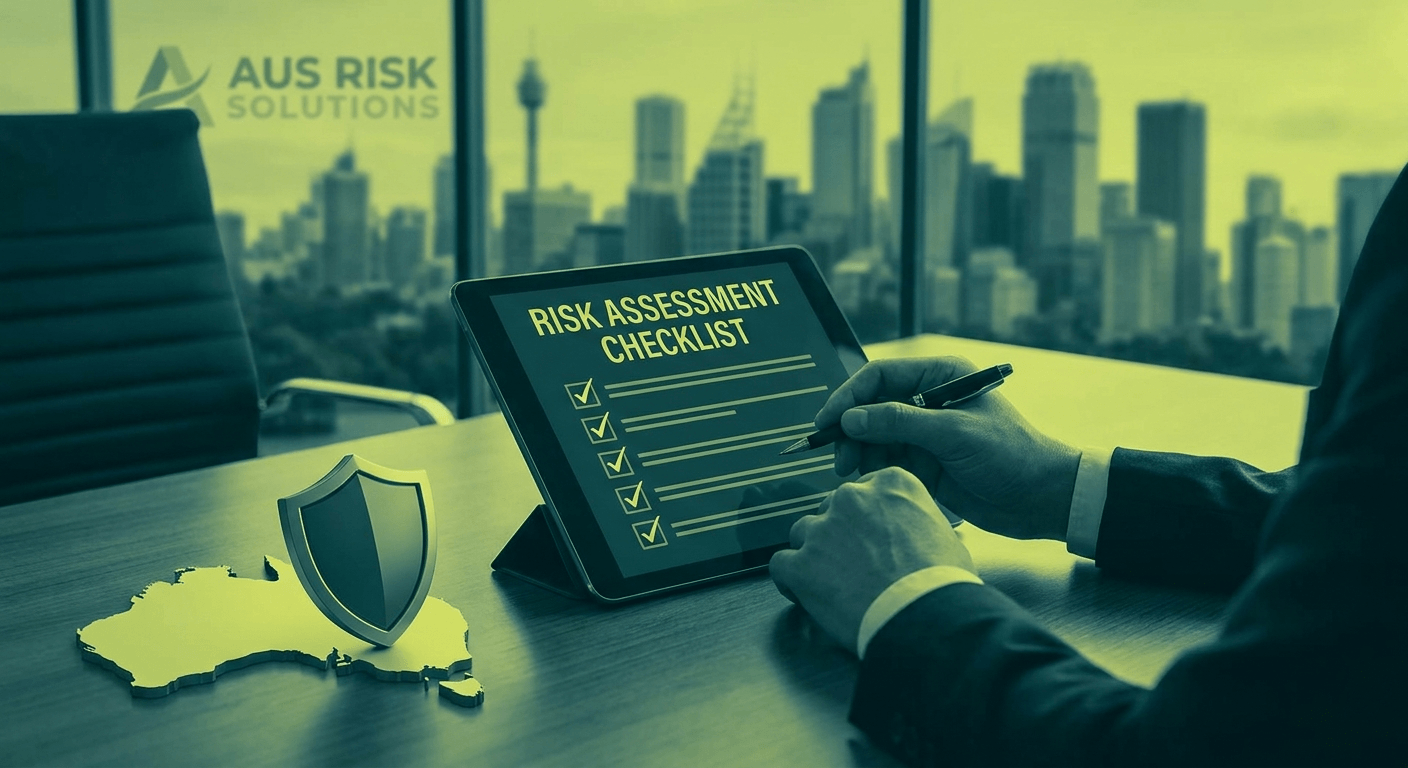
A cybersecurity risk assessment is not a compliance form you fill out and file away. It is a structured process to understand what your business has, what could go wrong, and what to do about it. For Australian SMBs facing a growing range of cyber threats, it is one of the most practical steps you can take to protect your operations and your clients.
If you have never done one, you are not alone. Most small and mid-sized businesses have not. That is the problem this post is here to fix.
By the end of this guide, you will understand how to run a risk assessment, what to document, and how to build a simple risk register you can actually act on. We will also cover how tools like Microsoft Copilot can make the process faster and more thorough.
What Is a Cybersecurity Risk Assessment, Really?
A cybersecurity risk assessment is a process for identifying what could go wrong with your business’s information and systems, and how serious those consequences would be. It is not a technical audit. It is not a compliance exercise. It is an honest look at your exposure so you can make informed decisions about where to invest your time and resources.
Think of it as a risk conversation with structure. You are asking: what do we have, who might want it, how might they get it, and what happens if they do?
If you have been following this series, you will already have a sense of the threats Australian businesses face. We covered the foundations in our post on what a cyber attack actually is and the controls that form your baseline in our Essential Eight series. A risk assessment connects those ideas to your specific business.
Why Most Australian SMBs Have Never Done One
The most common reasons are time, confusion about where to start, and the assumption that risk assessments are for enterprise businesses with dedicated security teams. None of those reasons hold up under scrutiny.
Risk assessments do not need to take weeks. A focused one for a business with 30 to 100 staff can be completed in a day or two with the right approach. The confusion about where to start disappears once you have a clear framework, which this post provides. And the idea that only large organisations need to do this ignores the reality that smaller businesses are frequently targeted precisely because their defences tend to be weaker.
The consequence of not doing a risk assessment is not that you remain unaware of your risks. It is that you make security decisions without a clear picture of what you are actually protecting or what is most likely to go wrong. That leads to spending in the wrong places and leaving gaps in the right ones.
The Four Core Steps of a Cybersecurity Risk Assessment
Step 1: Identify Your Assets
Start by listing everything your business relies on to operate. This is broader than most people expect. Assets include:
- Data: Client records, financial information, contracts, employee files, intellectual property, login credentials
- Systems: Computers, servers, cloud platforms, software applications, email, backups
- People: Staff who have access to sensitive systems, external contractors, IT providers
- Processes: How you onboard staff, how you handle invoices, how you manage access when someone leaves
The goal is not a perfect inventory. The goal is a clear enough picture to have an honest conversation about what matters most to your business and what would cause the most damage if it were compromised, stolen, or made unavailable.
Prioritise assets by their value and sensitivity. A client database containing personal and financial information sits higher on the list than the printer in the breakroom.
Step 2: Identify Threats
Once you know what you have, consider what could threaten it. For Australian SMBs, the most common threats include:
- Phishing emails that trick staff into entering credentials or opening malicious attachments
- Ransomware that encrypts your files and demands payment to restore access
- Business email compromise, where attackers impersonate executives or suppliers to redirect payments
- Credential theft through weak passwords or reuse across accounts
- Insider threats, whether intentional or accidental, from staff mishandling data or access
- Third-party or supply chain risks from vendors or partners with access to your systems
You do not need to document every theoretical threat. Focus on the ones that are realistic given your industry, your size, and the nature of your business. A professional services firm handling client financial data faces different threat priorities than a trade business with a small admin function.
Step 3: Assess Your Vulnerabilities
A threat only becomes a risk when there is a vulnerability it can exploit. In this step, you are looking at the gaps in your current defences. Common vulnerabilities for Australian SMBs include:
- Staff who have not received recent security awareness training
- Multi-factor authentication that has not been enabled on email or key applications
- Software and operating systems that are out of date and no longer receiving security patches
- Backups that exist but have never been tested for restoration
- Former employees who still have active accounts
- No documented process for responding to a security incident
For each threat you identified in Step 2, assess how likely it is to succeed against your current setup. Consider both likelihood and impact. A threat that is highly likely but would have a minor impact sits differently in your priorities than one that is less frequent but would be catastrophic.
Step 4: Prioritise Actions
This is where the assessment becomes useful. With your assets, threats, and vulnerabilities mapped out, you can now prioritise what to fix first based on risk level rather than gut feel.
A simple scoring approach: rate each risk on likelihood (low, medium, high) and impact (low, medium, high). Risks that score high on both get addressed first. Risks that score low on both can be monitored without immediate action.
The output is not a to-do list of every possible security improvement. It is a focused set of actions that address your most significant exposures, in order of priority.
Building a Risk Register You Can Actually Use
A risk register is the document that captures everything from your assessment. It does not need to be complicated. A well-structured spreadsheet is enough for most SMBs. Each row in the register should include:
- The asset at risk
- The threat to that asset
- The vulnerability being exploited
- Likelihood rating (Low / Medium / High)
- Impact rating (Low / Medium / High)
- Overall risk level (derived from the above)
- Current controls in place
- Recommended action
- Owner and target completion date
A risk register is only useful if it is a living document. It should be reviewed at least annually, and updated whenever there is a significant change to your business, such as adding a new software platform, onboarding a major client, or experiencing a security incident.
How Often Should You Run a Risk Assessment?
At a minimum, conduct a full risk assessment once per year. In addition, run a targeted review whenever something significant changes in your business. This includes adopting new technology, moving to a new cloud platform, expanding your team, or entering a new market or industry with different compliance obligations.
The goal is not to make the risk assessment a one-off project. It should become part of your regular security rhythm, alongside your ongoing security operations.
DIY vs Working With an MSP: An Honest Comparison
There is genuine value in doing your first risk assessment internally, even if it is imperfect. It forces your leadership team to have the right conversations and builds awareness across the business. If you have a small team and a relatively straightforward IT environment, a DIY assessment is a reasonable starting point.
The limitations of a DIY approach are also real. Your team may not know what they do not know. You may lack visibility into technical vulnerabilities that require specialist tools to surface. And without external perspective, it is easy to overlook risks that have become normalised inside the business.
Working with a managed security provider gives you independent assessment, deeper technical visibility, and a structured methodology built from experience across many businesses. A good MSP will not just hand you a risk report. They will help you build a remediation roadmap and support its execution.
The honest answer: a DIY assessment is better than no assessment. A professionally supported assessment is better still, particularly if this is your first one or if your business handles sensitive client data.
How Microsoft Copilot Can Help With Your Risk Assessment
If your business is using Microsoft 365, Copilot can meaningfully accelerate the risk assessment process. Here are practical ways to use it:
- Build your asset inventory: Use Copilot in Excel to create a structured asset register template and populate it with data from your existing documentation
- Draft your risk register: Copilot can generate an initial risk register template in Excel or Word that your team can populate during the assessment
- Summarise findings: After your assessment sessions, use Copilot in Word to draft the assessment report from your notes
- Prepare interview questions: Use Copilot to generate a list of questions for each department to help surface risks you might not have thought of
Copilot does not replace the human judgement required in a risk assessment. It handles the structure and drafting work, so your team can focus on the substance of the conversations.
Ready to Get Started?
A cybersecurity risk assessment is one of the most valuable things you can do for your business this year. It does not need to be perfect to be useful. Even a rough first pass gives you more clarity than you have today.
If you would like support running your first assessment, or if you want a professional review to sit alongside your internal effort, our team can help. Book a conversation with us here.
Frequently Asked Questions
What is a cybersecurity risk assessment for a business?
A cybersecurity risk assessment is a structured process for identifying the digital assets your business relies on, understanding the threats those assets face, evaluating your current vulnerabilities, and prioritising the actions that will reduce your exposure. It produces a risk register your team can use to make informed decisions about where to invest in security.
How long does a cybersecurity risk assessment take?
For a small to mid-sized business, a focused assessment typically takes one to two days to complete. That includes workshops with key staff, documentation of assets and risks, and compilation of the risk register. The timeline extends if your IT environment is complex or if you have limited existing documentation.
Do Australian SMBs need to do a risk assessment?
There is no universal legal requirement for all Australian businesses to conduct a cybersecurity risk assessment. However, if your business handles personal information under the Privacy Act 1988, you have obligations to protect that information, and a risk assessment is the most practical way to demonstrate you understand and manage those obligations. Regulated industries such as financial services and healthcare have additional requirements.
What is included in a risk register?
A risk register documents each identified risk, including the asset at risk, the threat, the vulnerability being exploited, the likelihood and impact ratings, the current controls in place, the recommended action, and the owner responsible for addressing it. It is a living document that should be reviewed and updated at least annually.
Can I do a cybersecurity risk assessment myself?
Yes, and it is worth doing even if it is imperfect. A self-conducted assessment forces important conversations within your leadership team and builds awareness across the business. For a more thorough result, particularly if your environment is complex or this is your first assessment, working with an experienced MSP provides additional depth, independent perspective, and technical visibility your internal team may not have.
How often should I update my cybersecurity risk assessment?
Run a full review at least once per year. Conduct a targeted update whenever there is a significant change to your business, such as adopting new technology, moving to a new platform, expanding your workforce, or experiencing a security incident. Treating the risk assessment as an annual process rather than a one-time project keeps your security posture aligned with how your business actually operates.
managed it support articles
Related Blog Articles
Discover more insights to optimise your business with the latest IT trends and best practices. Stay ahead of the curve by learning how to leverage cutting-edge technology for success. Explore expert advice and valuable guidance to navigate the evolving world of IT solutions