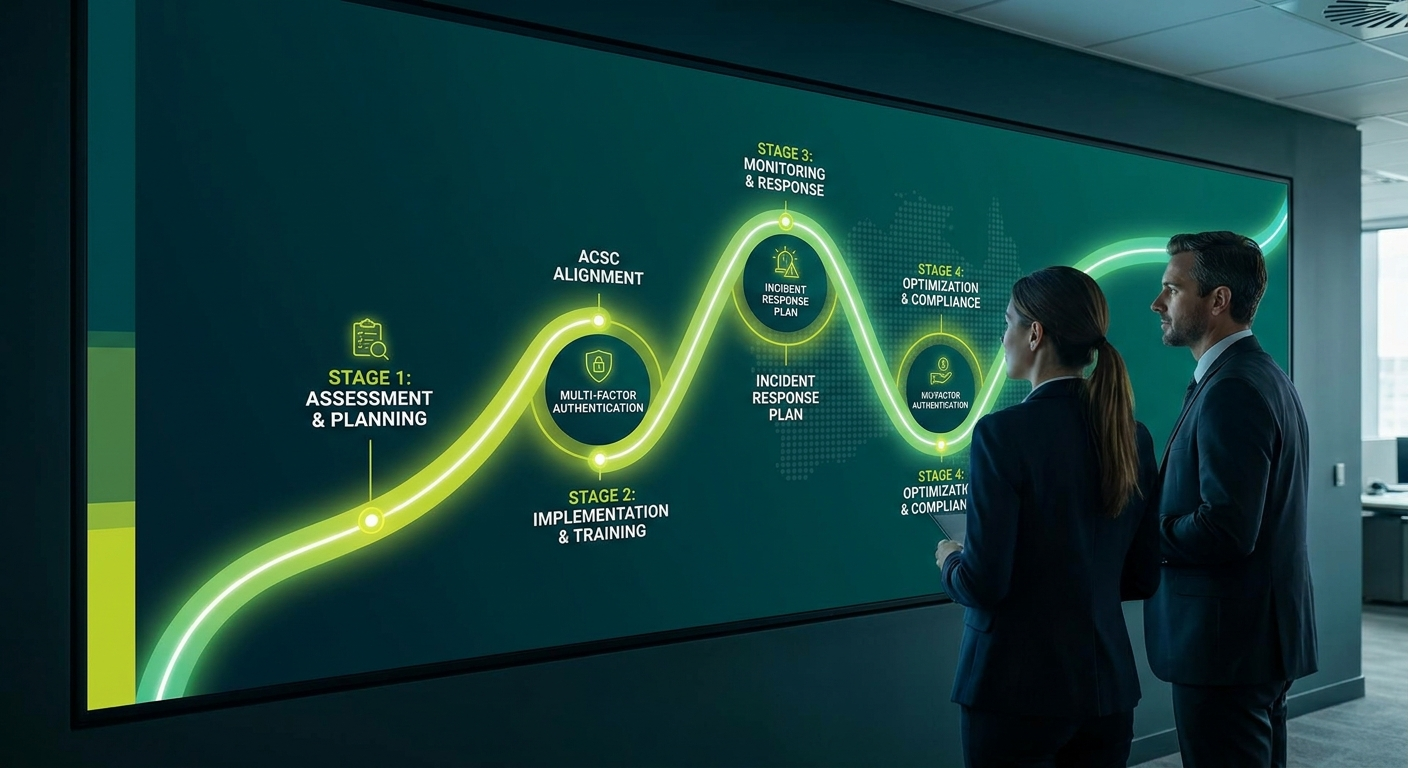
Reaching Essential Eight Maturity Level 2 is achievable for most Australian businesses, but it takes a structured approach, the right resources, and a realistic timeframe. This guide walks you through every step, from the initial assessment to the final sign-off, so you know exactly what you are getting into before you start.
What Maturity Level 2 Actually Means
Maturity Level 2 (ML2) is the target that most Australian regulators and cyber insurers now expect businesses to meet as a baseline. It is not the highest level of the Essential Eight, but it represents a meaningful and substantial improvement over the starting point for most organisations.
At ML2, each of the eight controls is implemented consistently across your environment, not just on some devices or in some departments. The controls are monitored, tested, and documented. Gaps are identified and addressed on an ongoing basis rather than ignored until something goes wrong.
For a full breakdown of what distinguishes ML1, ML2, and ML3, read our guide to Essential Eight maturity levels explained. If you are new to the framework itself, start with what the Essential Eight is and why it matters for Australian businesses.
Step 1: Assess Where You Are Now
Before you implement anything, you need an honest picture of your current state. A gap assessment maps your existing controls against the ML2 requirements for each of the eight strategies and tells you precisely where you fall short.
This assessment involves reviewing your existing policies, interviewing key staff, and in some cases running technical scans or audits of your environment. It typically takes two to four weeks for a business with 20 to 100 staff, depending on the complexity of your systems.
Who does it: Your IT provider, an internal IT manager, or a specialist cybersecurity firm. Self-assessment against the ACSC’s assessment guides is possible but rarely gives you a complete or accurate picture without independent review.
What you get out of it: A prioritised list of gaps, an honest maturity rating for each control, and a baseline you can measure your progress against. Without this, you are guessing about where to spend your time and money.
Step 2: Prioritise the Controls
You do not tackle all eight controls at the same time. That approach leads to partial implementation across everything and proper implementation of nothing.
The ACSC recommends a priority order based on which controls have the greatest impact on reducing risk. For most SMBs, the practical order is:
- Multi-factor authentication (MFA) — protects credentials, which is the most common attack vector
- Patching applications and operating systems — closes known vulnerabilities that attackers actively exploit
- Restricting administrative privileges — limits what an attacker can do if they get in
- Then the remaining five controls in parallel or in sequence based on your specific gaps
Your gap assessment results should inform the order. If you already have decent application control in place but no MFA, that shapes the sequence. The goal is risk reduction in the shortest time, not perfect symmetry across all controls.
Step 3: Implement MFA Across All Systems
MFA is non-negotiable at ML2. It must be enabled for all users accessing your systems, including remote access, cloud services, email, and any third-party applications that support it. Implementing it only for some users or only for some systems does not meet the ML2 requirement.
What implementation involves:
- Auditing every system your staff access and confirming MFA support
- Selecting an MFA method — authenticator apps are strongly preferred over SMS-based codes
- Enrolling all users and enforcing MFA through policy, not just making it available
- Handling exceptions properly, such as shared accounts or systems that do not support MFA
Typical timeline: Four to eight weeks for a business of 20 to 50 staff, including user training and handling the inevitable support requests that come with any change to how people log in.
Where businesses get stuck: People resist change. Expect pushback, especially from senior staff who are used to doing things their way. Have your executive team visibly on board from the start. Also expect a short-term spike in helpdesk calls during the rollout period.
Step 4: Patch Applications and Operating Systems Systematically
At ML2, patching cannot be ad hoc. You need a documented patching process with defined timeframes. The ACSC’s guidance sets out that patches for internet-facing services should be applied within 48 hours of release when a critical vulnerability exists, and within two weeks for other patches.
What this involves:
- Maintaining an accurate inventory of all software and operating systems in your environment
- Setting up automated patch management where possible
- Establishing a review and approval process for patches in more sensitive environments
- Testing patches in a non-production environment before rolling out to everything
- Documenting what was patched, when, and by whom
Typical timeline: Getting the process in place takes four to six weeks. Catching up on outstanding patches can take longer if your environment has been running behind for some time.
Where businesses get stuck: Legacy software that cannot be patched because it will break something critical. This is common and needs a mitigation strategy, not just an exception. Unpatched, internet-facing legacy systems are a significant risk that ML2 directly addresses.
Step 5: Restrict Administrative Privileges Properly
Admin privileges allow software to be installed, settings to be changed, and security controls to be bypassed. Giving admin access too broadly is one of the most common mistakes in small business IT environments.
At ML2, you must validate requests for privileged access, limit admin accounts to those who genuinely need them for specific tasks, and ensure that admin accounts are not used for routine activities like checking email or browsing the web.
What this involves:
- Auditing who currently has admin access across all systems
- Removing unnecessary privileges and creating separate standard user accounts for day-to-day use
- Implementing a process for requesting, approving, and revoking elevated access
- Logging and monitoring the use of privileged accounts
Typical timeline: The audit and initial removal of privileges takes two to three weeks. Building the process and monitoring capability takes another two to four weeks depending on your tooling.
Where businesses get stuck: People discover they need admin rights for legitimate tasks that were not previously documented. Expect a period of adjustment where staff flag workflows that break. Plan for this rather than being surprised by it.
Step 6: Address the Remaining Five Controls
Once the high-priority three are in place, you work through the remaining controls: application control, restricting Microsoft Office macros, user application hardening, daily backups, and configuring Microsoft Office macro settings. Each has its own ML2 requirements.
For smaller businesses, these controls may require specialist assistance to implement correctly. Application control in particular is technically complex to configure without breaking legitimate business applications. For a practical overview of how each control applies to SMBs, see our guide to Essential Eight implementation for small and medium businesses.
Do not attempt to rush all five at once. Work through them methodically, test after each implementation, and document what you have done before moving to the next one.
Step 7: Document and Test
Implementation alone does not equal compliance. At ML2, you must be able to demonstrate that your controls are working and that your documentation is current and accurate.
Documentation requirements include:
- Written policies for each control area
- Records of who has access to what and why
- Patch management logs
- Evidence of testing, including backup restoration tests
- Incident response procedures
Testing requirements include:
- Verifying that backups restore correctly, not just that they are running
- Confirming that MFA enforcement is working and cannot be bypassed
- Checking that application control blocks unauthorised software
- Reviewing audit logs to confirm that logging is capturing what it should
Typical timeline: Documentation and testing run in parallel with implementation, not after it. Build the documentation as you go. End-to-end verification testing at the conclusion takes one to two weeks.
Common Mistakes and Where Businesses Get Stuck
After working through these steps with dozens of businesses, the same problems appear repeatedly.
Treating it as a one-off project rather than an ongoing commitment. ML2 is not a finish line. It requires ongoing patch management, regular access reviews, and continuous monitoring. Businesses that treat it as a project to complete and move on from fall back out of compliance quickly.
Implementing controls on most systems but not all. ML2 requires consistent implementation. One unmanaged device or one application exempted from MFA is a gap that an assessor will find and that an attacker may exploit.
Not involving business stakeholders early enough. IT can implement the technical controls, but some changes, particularly around admin privileges and application control, affect how people do their jobs. Business leaders need to be involved from the start, not brought in at the end to approve something that has already broken workflows.
Underestimating legacy system complexity. Many businesses have software running in their environment that IT staff have not looked at for years. These systems often cannot be patched or hardened without significant effort. Finding them early prevents nasty surprises late in the project.
No testing phase. Documentation without verification is not compliance. Businesses that skip testing often find during an actual assessment that controls they believed were working are not.
How Long Does It Actually Take?
An honest answer for a business starting from a low baseline with 20 to 100 staff: expect six to twelve months to reach ML2 properly, not as a paper exercise but as a genuine operational state.
Businesses that are already at a reasonable IT maturity, with existing patch management and some MFA in place, can get there in three to six months with focused effort.
Businesses with legacy infrastructure, limited internal IT capability, or significant backlogs in patching and access management should plan for twelve months or longer.
The timeline depends heavily on:
- How much of the gap assessment work has already been done
- The complexity of your IT environment
- How much change management is required across the business
- Whether you have internal IT capability or are relying entirely on an external provider
- How much legacy technology needs to be addressed
There is no shortcut that produces genuine ML2 compliance faster. Be cautious of any provider promising to get you there in a few weeks. That usually means documentation is being produced without underlying implementation.
Do You Need an MSP to Help?
For most Australian SMBs, the honest answer is yes, at least for the technical implementation and assessment phases.
A managed service provider with cybersecurity capability brings several things that most small businesses do not have internally: specialist knowledge of the ACSC’s ML2 requirements, the tooling to implement and monitor controls consistently, and experience identifying the edge cases and exceptions that cause compliance failures.
Where businesses often get the balance wrong is expecting their MSP to handle everything without any internal ownership. The documentation, policy decisions, and business process changes require internal champions. The best outcomes come from a clear division of responsibility: the MSP handles technical implementation and monitoring, and an internal stakeholder owns the business process and compliance evidence.
If your current IT provider cannot clearly articulate the ML2 requirements and show you how they will address each control in your specific environment, that is worth paying attention to. Essential Eight compliance requires specific expertise, not just general IT support. Learn more about what to look for in a provider through our managed cybersecurity services.
Start With an Essential Eight Assessment
The single most useful thing you can do right now is get a proper gap assessment completed. Without it, you do not know where to start, how long it will take, or what it will cost.
Otto IT runs Essential Eight assessments for professional services businesses across Australia. We give you a clear baseline, a prioritised action plan, and an honest view of what ML2 looks like for your specific environment.
Book your Essential Eight Assessment and get a realistic roadmap to Maturity Level 2.
Frequently Asked Questions
How much does it cost to reach Essential Eight Maturity Level 2?
The cost varies significantly based on your starting point and the size of your environment. Businesses with existing IT infrastructure and some controls already in place will spend less than those starting from scratch. A gap assessment is the first step and will give you a realistic cost estimate for your specific situation. The assessment itself typically costs a few thousand dollars.
Is Essential Eight ML2 mandatory for Australian businesses?
The Essential Eight is mandatory for non-corporate Commonwealth entities. For private sector businesses, it is not a legal requirement in most industries, but it is increasingly required by cyber insurers, by clients who are government contractors, and by industry frameworks in regulated sectors such as finance and healthcare. The direction of travel is clear: expect the threshold to rise over time.
Can we implement the Essential Eight ourselves without an MSP?
Businesses with strong internal IT capability can do significant implementation work themselves. However, an independent assessment is strongly recommended regardless, because self-assessments frequently miss gaps that an external reviewer would identify. The ACSC also provides detailed assessment guidance that is freely available and worth reviewing before you start.
What happens after we reach ML2?
Reaching ML2 is not a finish line. You need ongoing monitoring, regular access reviews, continued patch management, and periodic reassessment to confirm you are maintaining the level. Plan for annual formal assessments and continuous monitoring in between.
How does ML2 relate to cyber insurance requirements?
Many Australian cyber insurers now ask applicants to demonstrate their level of Essential Eight compliance as part of the underwriting process. Achieving ML2 can positively affect your premiums and coverage terms. Check with your insurer or broker for specifics, as requirements vary between providers.
managed it support articles
Related Blog Articles
Discover more insights to optimise your business with the latest IT trends and best practices. Stay ahead of the curve by learning how to leverage cutting-edge technology for success. Explore expert advice and valuable guidance to navigate the evolving world of IT solutions